
 by
by 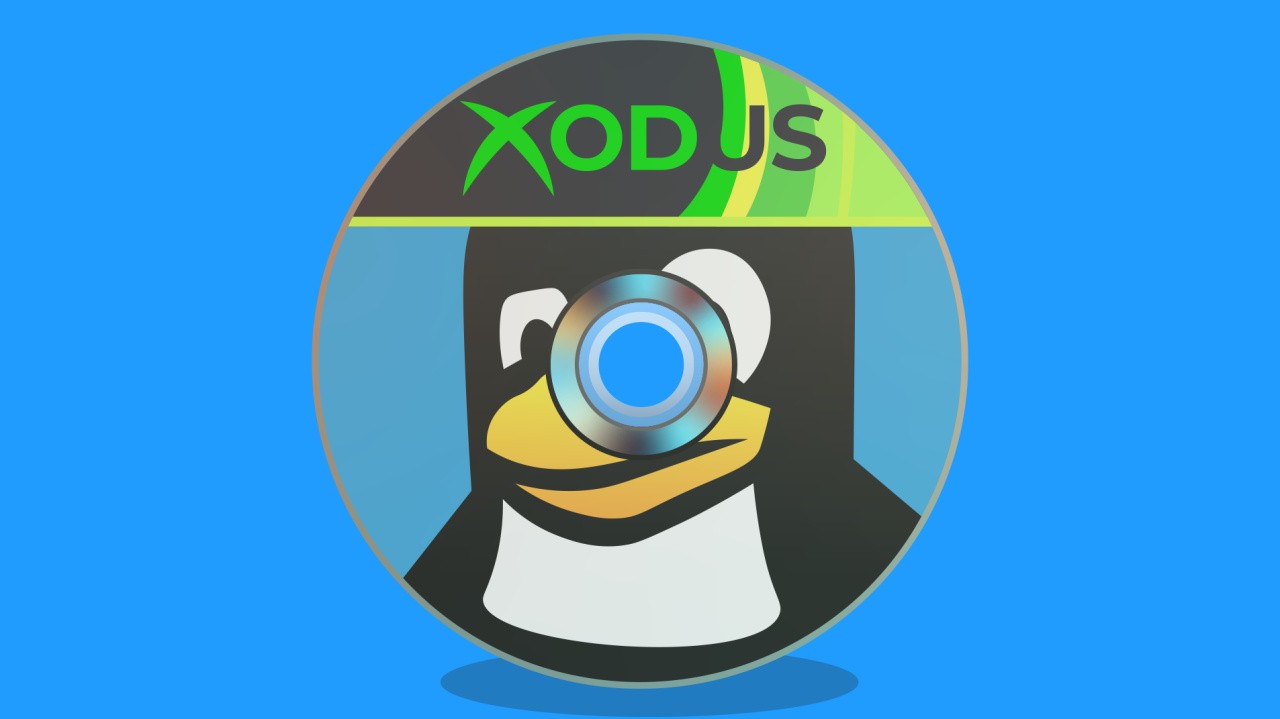
Gaming on Linux is in a renaissance period right now, with projects popping up everywhere to tackle long-standing issues and allow gamers dissatisfied with Windows 11 to move onto pastures new. One such project is Xodus, which aims to make Xbox PC games - including Game Pass titles - become playable on Linux and Mac.
The project, which is staffed by three contributors, including a developer from the third-party Heroic Games Launcher application, recently reached some important milestones.
According to Pawel Lidwin, the team has already "figured out authorisation and game downloads", and they're now moving on to replicating GDK functionality, the framework used by these titles to handle integration with Xbox services like achievements, multiplayer, streaming and so on. Pawel told me that "we are still very much WIP... still relatively far from what we are trying to achieve."
Would you like to run Xbox Game Pass games on Linux? (501 votes)
- Yes, I'd love to
- No, I'm happy enough with Steam etc
- No, I don't use Linux
The nature of software development means that it's impossible to say when or even whether Xbox games will become playable on Linux PCs, but it's fascinating to see these sorts of projects given the outsize impact they can have. For example, if the team is able to get Xbox Play Anywhere and Game Pass games running on Linux, it's possible that the system could be extended to handle original Xbox back-compat games too.
However, the project still relies on the likes of Proton, dxvk or Wine to actually handle the games themselves, so specific patches might be required for broad compatibility. Not all games will be supported either, with GDK + MSIXVC format titles being the focus rather than older UWP titles.
If you have some expertise and would like to contribute, the project's GitHub page includes a link to their various repositories and their Discord server.
What do you think of the project? Let me know in the comments below.
[source github.com]


Comments 5
Little tip for anyone wanted to install (some) Game Pass titles on Steam Deck / Steam Machine / SteamOS PC.
1. Requires a PC Game Pass or Game Pass Ultimate subscription
2. Connect Battle.Net account to the Windows account you use for Xbox.
3. On your Steam device install the Battle.Net launcher.
4. Run Battle.Net and log into your account
5. Install games — which are real versions, like Steam not Windows PC Xbox version — from list including: Call of Duty, Indiana Jones, Blizzard stuff.
The list is quite small right now, but Microsoft are apparently exploring Battle.Net as another distribution mechanism. But the ones on it work 100% just like Steam games.
Other titles include:
Here's a link with screenshots for those who need the help.
https://steammachinelife.com/game-pass-battle-net-steam-machine/
The name "Xodus" with Extremely Large Tux are the most Linux things imaginable, and I wish them success. I'm still not gonna play Super Tux Kart tho.
That would be great, I'm mainly an XBox Series X gamer but I also have a decent PC and love playing my Play anywhere title on it. I would however absolutely dual boot it into to linux if I could have all my games on the linux partition!
Exciting stuff, Will. Have you at least launched one game on your steam machine (self built) yet? I looked at the Git Hub and it seemed well beyond typical end user stuff.
Show Comments
Leave A Comment
Hold on there, you need to login to post a comment...